
SoloQuest GM
A downloadable game for Windows and macOS
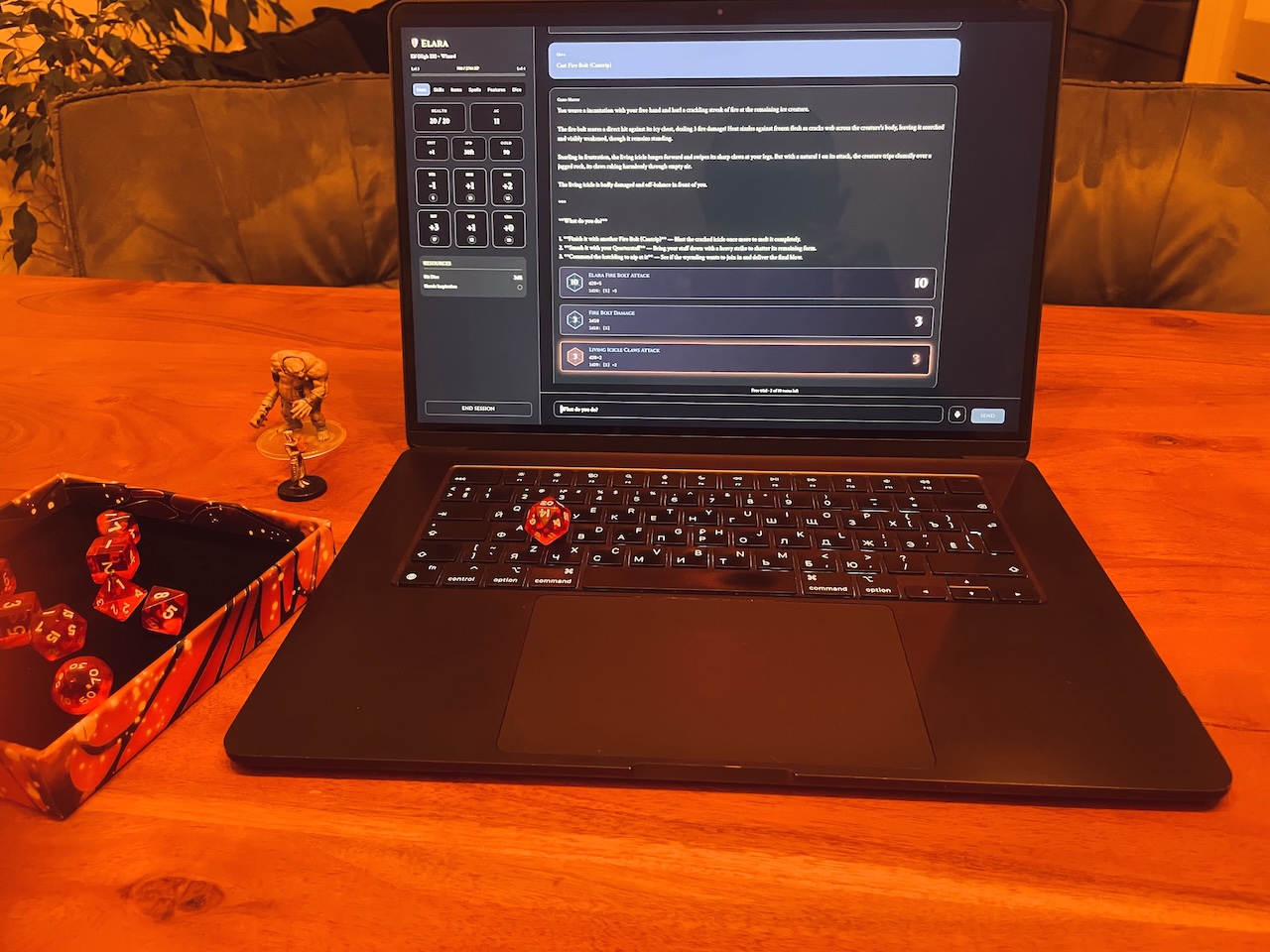
SoloQuest GM runs a written tabletop adventure for one player. You bring the module; the app runs the Game Master — narration, NPCs, rules calls, dice — and keeps real memory of everything that happened.
Compatible with the 5.2 tabletop ruleset. macOS and Windows. Free to download.
The app is free. So is the adventure inside it.
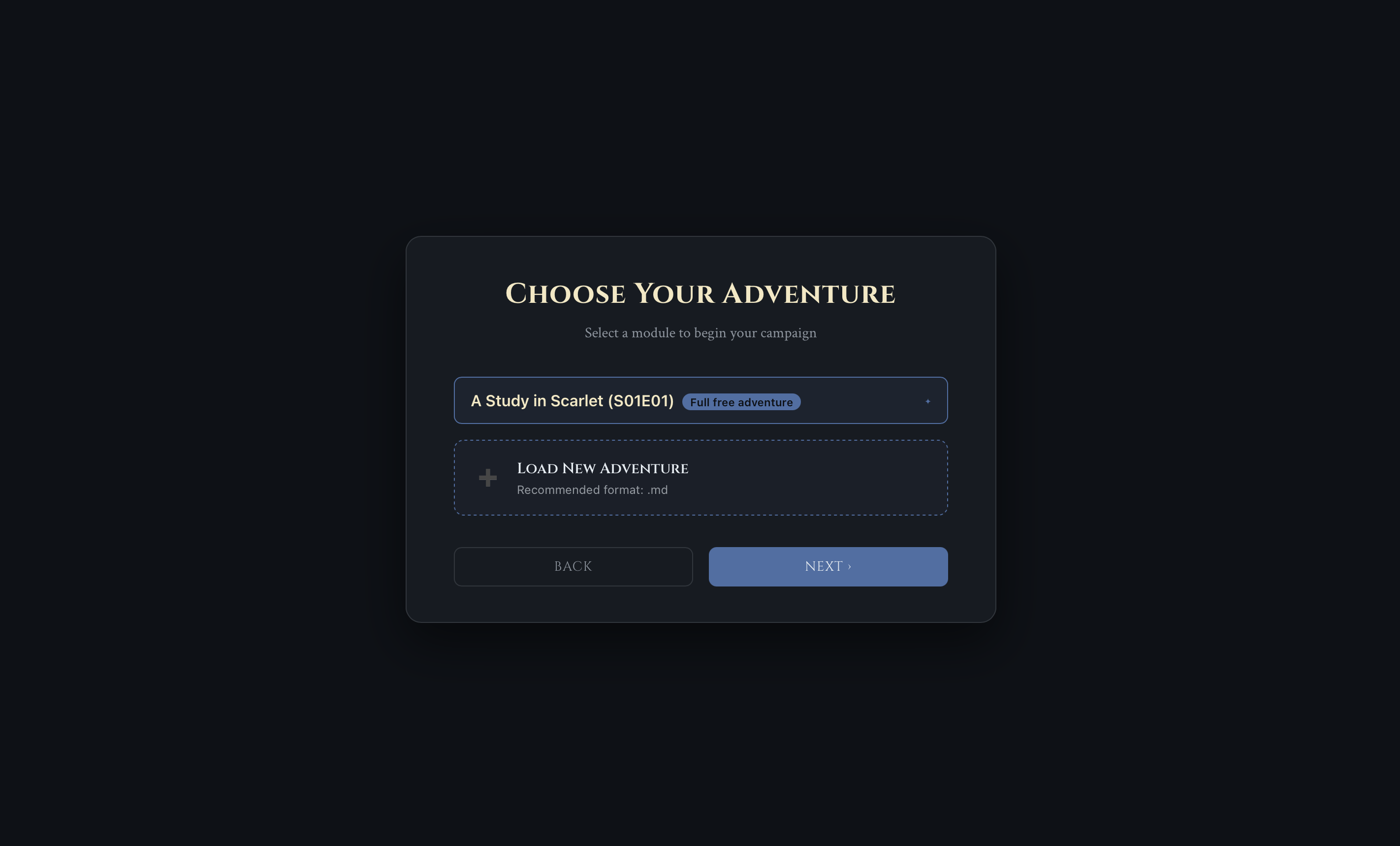
«A Study in Scarlet» ships with the app in English and Ukrainian, and plays completely free — no key, no account, no card, no turn limit.
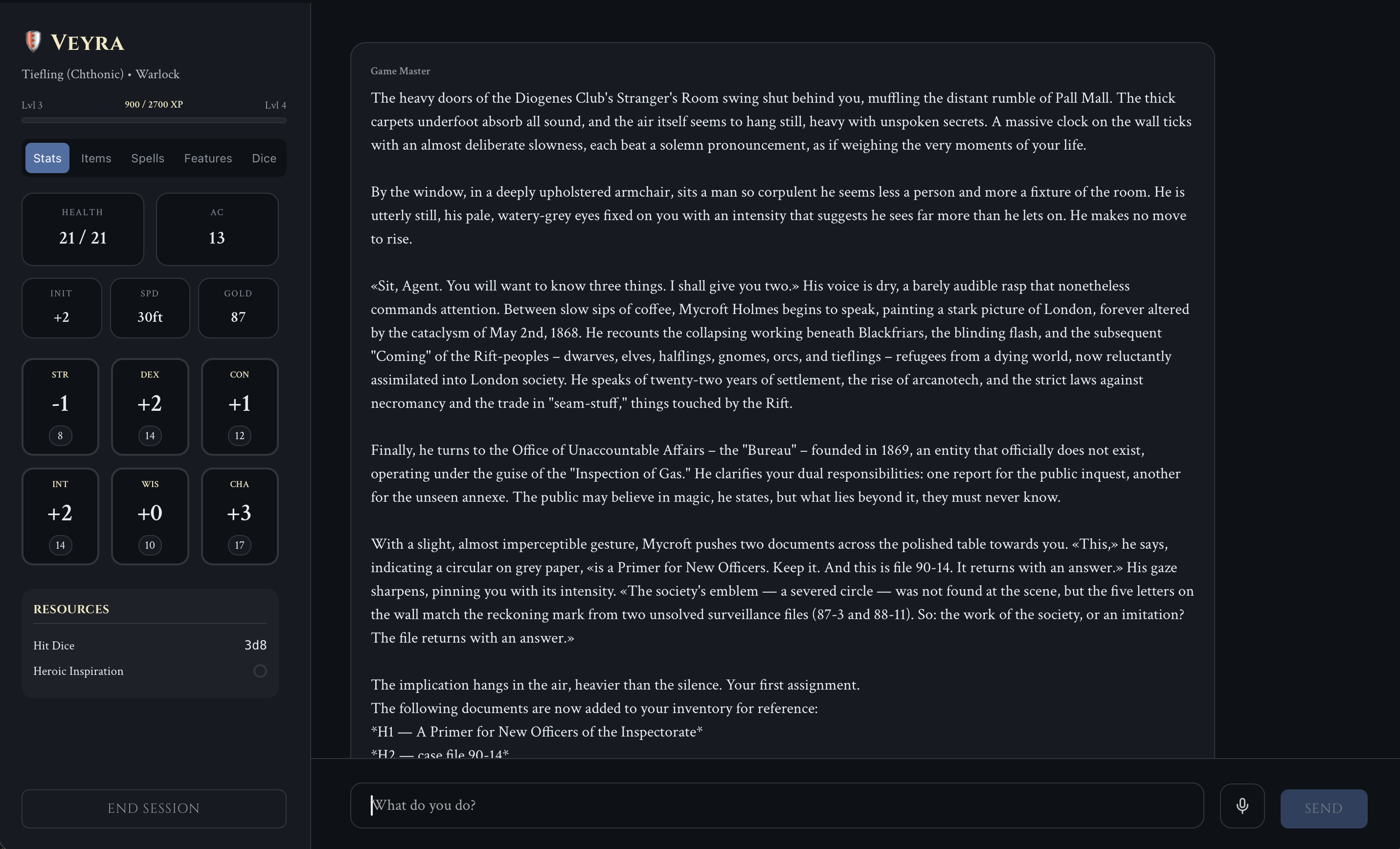
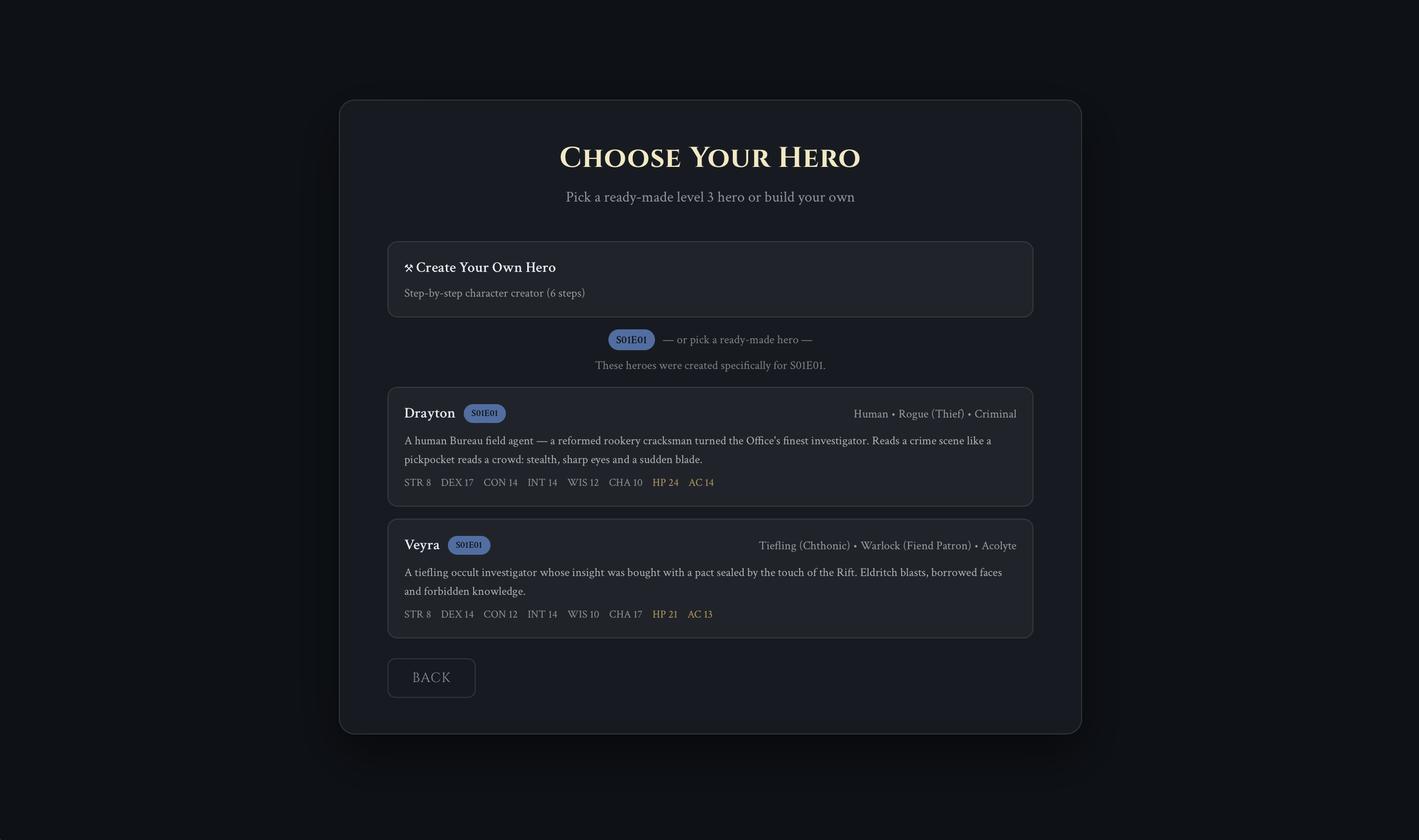
A full module: 3 acts, 12 keyed locations, roughly 3–4.5 hours, built for a 3rd-level character. London, 1890 — twenty-two years after a collapse beneath Blackfriars tore open what they named the Rift. You're a new agent of a Bureau that investigates what the Crown won't admit out loud. A dead American on the Brixton Road, no wound on him, and a word on the wall written in someone else's blood.
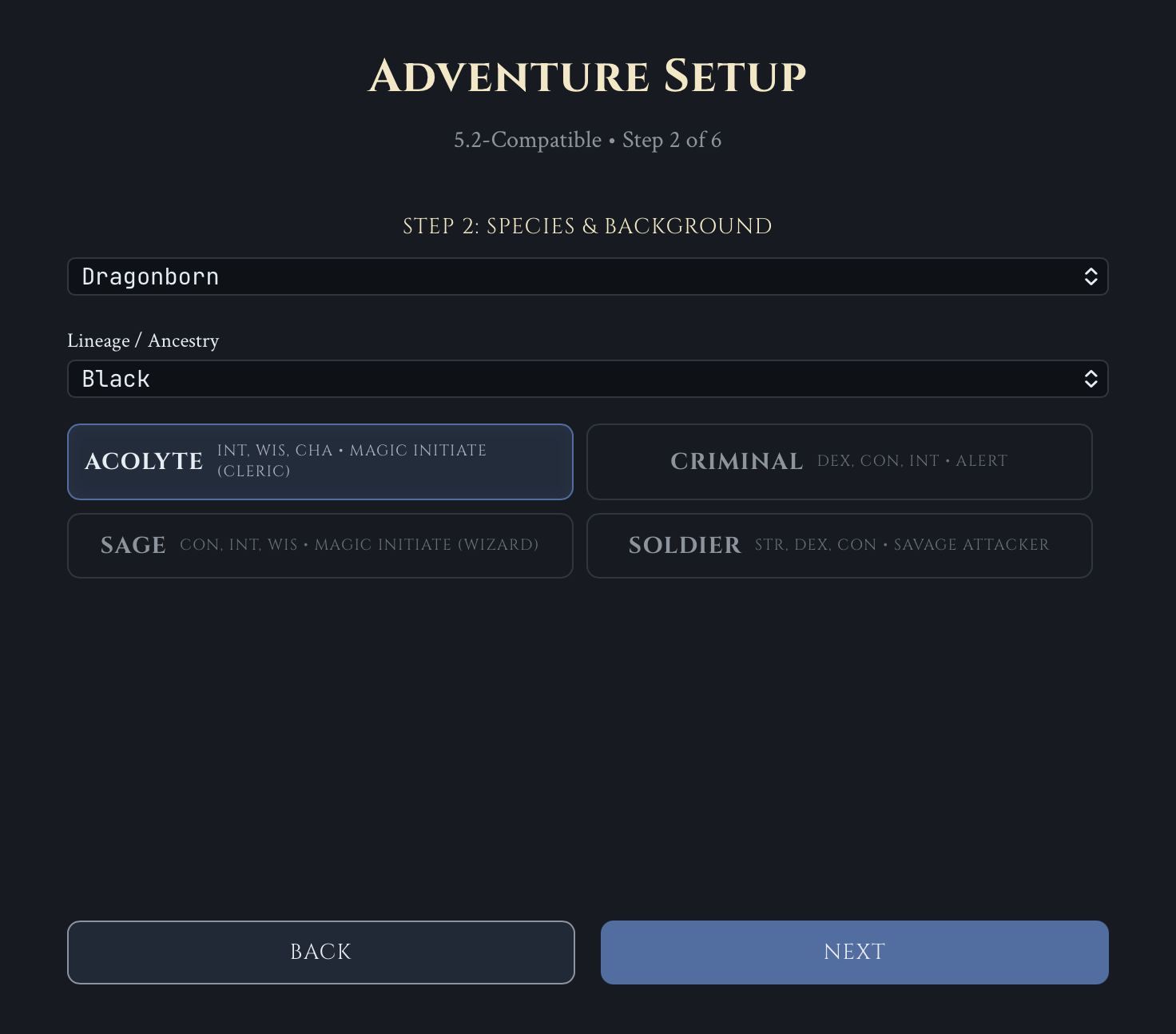
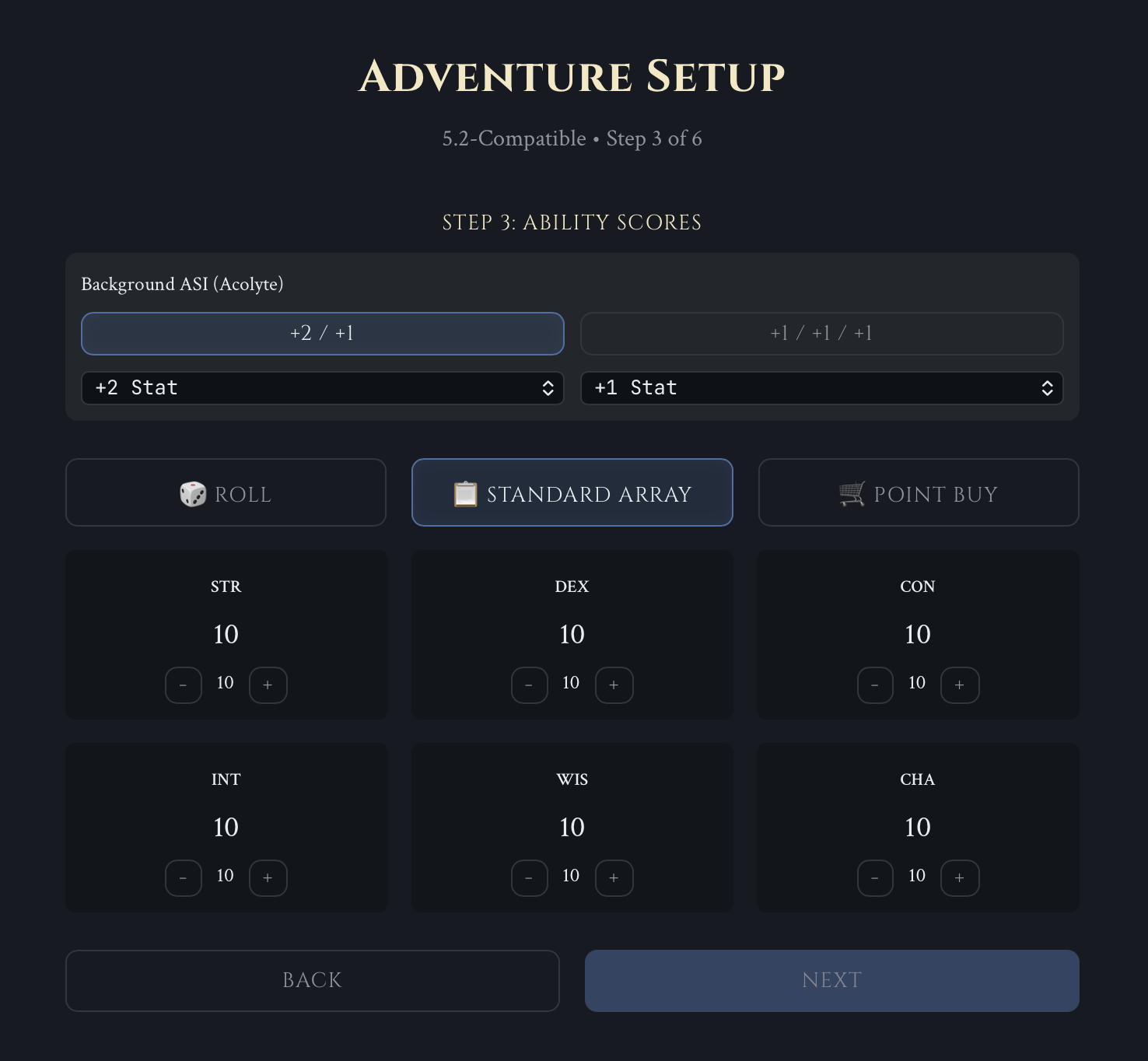
Two ready-made agents to start in ninety seconds, or build your own with the full SRD 5.2 character creator.
It remembers
Most AI-GM experiments forget your campaign after twenty messages:
- Chapter-aware context — the app tracks where you are in the module and feeds the GM that chapter, not the first few pages. A 1 MB third-party module works the same as a one-shot.
- Hybrid search over your campaign — full-text index plus semantic embeddings across rules, lore and adventure text.
- Automatic memory files — NPCs, quests and world state are written to disk as you play, and re-read when you come back tomorrow.
- Searchable transcript — the GM can look up what you actually said fifteen sessions ago.
It plays by the rules
- Real dice engine in the backend:
XdY, modifiers, keep-highest/lowest, advantage/disadvantage, crit detection. Roll physically or let the GM roll. - Your character sheet is typed state on disk. The GM has to make an explicit, visible tool call to change a number — it can't drift because the model re-narrated the scene.
- The GM-only sections of a module stay behind the curtain: the app decides what the model is allowed to see this turn.
- Strict mode follows the module text; Sandbox mode improvises.
It's yours, offline
No accounts, no servers, no telemetry. Your campaigns are plain Markdown and JSON on your own disk. Interface in English and Ukrainian.
You need your own Gemini API key
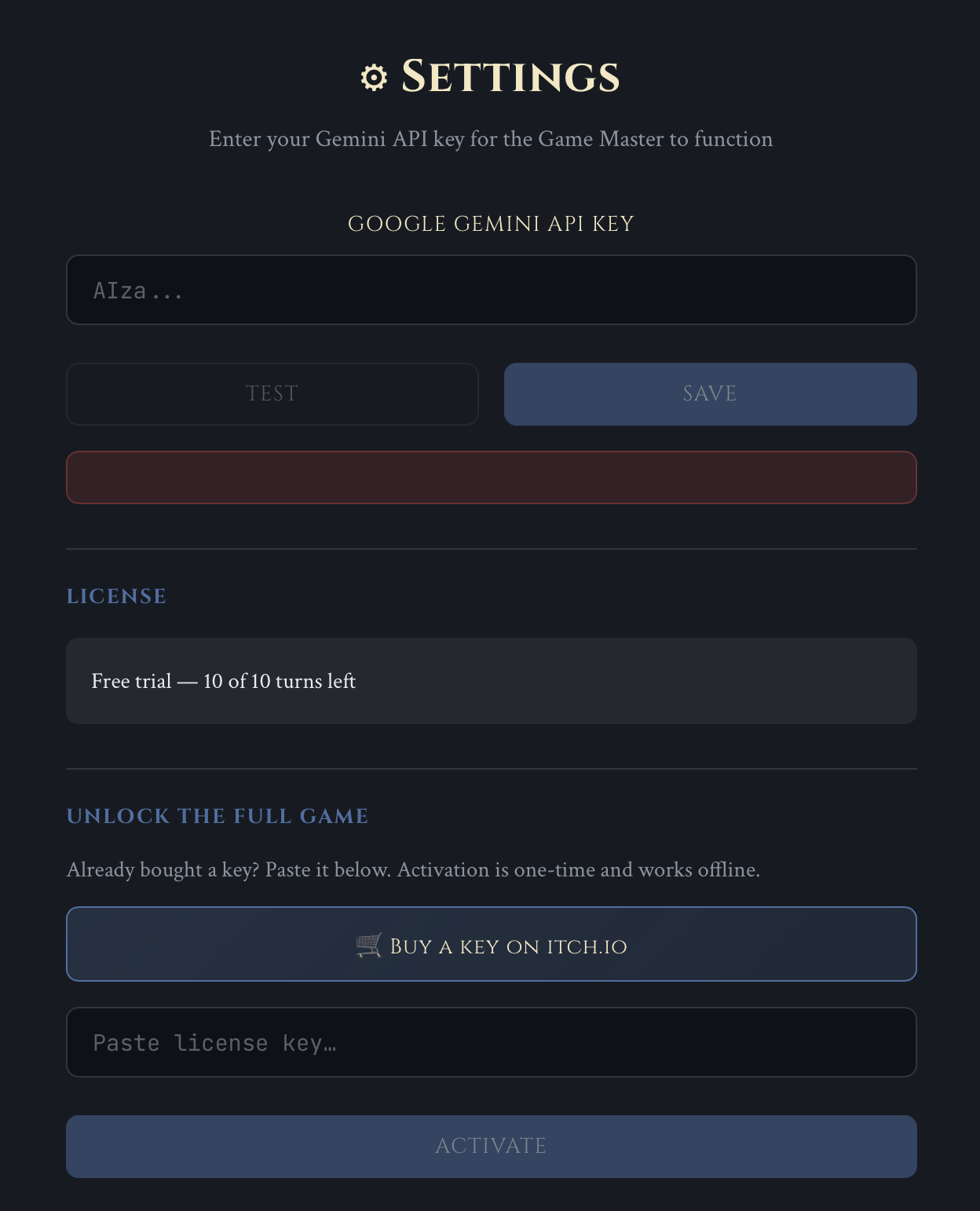
The app talks to Google directly with your key — no subscription, no AI costs baked into the price, no server of mine in between. Getting a key is free and takes about a minute; the app has a How to? button that walks you through it.
Google's free tier is enough to play. If you'd rather not wait on daily limits, a full 3–4 hour one-shot costs roughly $0.50–$2 in API credits, paid to Google, not to me.
Bring your own adventure
Point the app at a Markdown file and it runs yours instead.
Markdown only — the app does not import PDF. If your adventure is a PDF you'll have to convert it first, and that's genuinely a chore.
The free version lets you import one module, ever, and play 10 turns with it — enough to see whether your text runs correctly. A one-time licence key removes both limits forever. Deleting the imported module does not give the slot back.
The bundled adventure is unaffected by any of this: unlimited, always free.
Legal
This work includes material from the System Reference Document 5.2 ("SRD 5.2") by Wizards of the Coast LLC and available at https://www.dndbeyond.com/srd. The SRD 5.2 is licensed under the Creative Commons Attribution 4.0 International License available at https://creativecommons.org/licenses/by/4.0/legalcode.
Not affiliated with, endorsed, sponsored, or approved by Wizards of the Coast LLC.
Download
Install instructions
macOS. The app is not signed with an Apple certificate yet, so macOS may refuse to open it. Go to System Settings → Privacy & Security, scroll down and click Open Anyway next to SoloQuest GM.
Easiest path: install through the itch.io desktop app — the warning usually doesn't appear at all.
Leave a comment
Log in with itch.io to leave a comment.